
JawAtlas Get it free

Read a CBCT the way the clinic does.

JawAtlas is a free CBCT viewer that turns a dental scan into a 3D study companion on your iPhone and iPad: real radiological conventions, a panoramic you trace yourself, and a jaw you can walk through in augmented reality. No account needed.

Download on the App Store Watch the 30 second tour
QR code that opens JawAtlas in the App Store
On a computer? Scan with your iPhone or iPad.
  • Free forever
  • iPhone and iPad, iOS 18
  • Works offline
  • Education only

Live demo scan. Drag the slice to move through the jaw.

3D

The whole jaw, rendered on the GPU

A Metal ray marcher draws the volume at 60 frames per second with Bone, Teeth and Soft tissue presets, a shading toggle and a MIP mode that reads like a radiograph.

  • Bone, Teeth and Soft tissue presets
  • MIP projection for a radiograph-like view
  • Drag to rotate, pinch to zoom, double tap to reset
More on 3D rendering
MPR

Axial, coronal and sagittal, linked by one crosshair

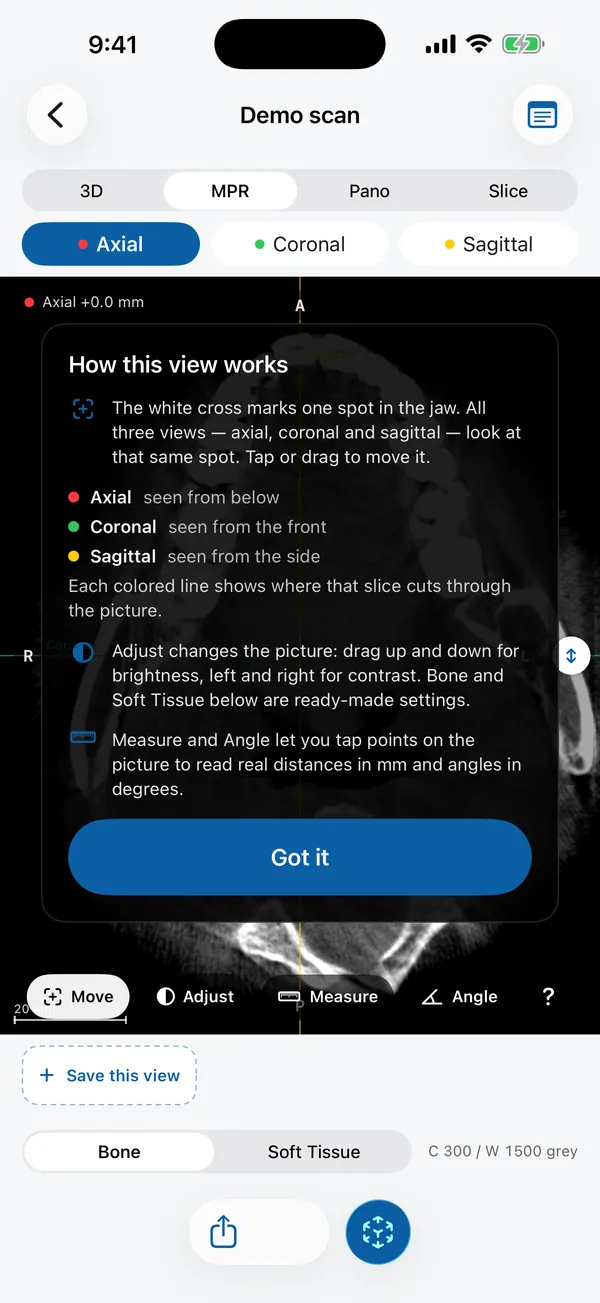
Move the white crosshair in any plane and the other two follow. Scout lines in red, green and yellow show where each slice cuts. The R, L, A, P, H and F labels come from the scan's own orientation data, so they stay right on oblique cuts.

  • Axial viewed from the feet, patient left on screen right
  • Slice position in millimetres and a scale ruler
  • Move, Adjust, Measure and Angle modes
More on tri-planar MPR

On iPad the same panes sit in a 2 by 2 grid with a live 3D view.

Pano

A panoramic you build yourself

Tap a handful of points along the arch on an axial slice and the GPU samples along that curve to build the panoramic view, patient right on the left, the way an OPG is read. Drag the yellow scout line and a perpendicular cross-section follows underneath.

  • At least four taps, Undo and Clear while you trace
  • Averaged slab, so the view is not a single thin cut
  • Cross-section readout in millimetres along the arch
More on panoramic reconstruction
Slice and AR

Cut from any angle, then step inside it

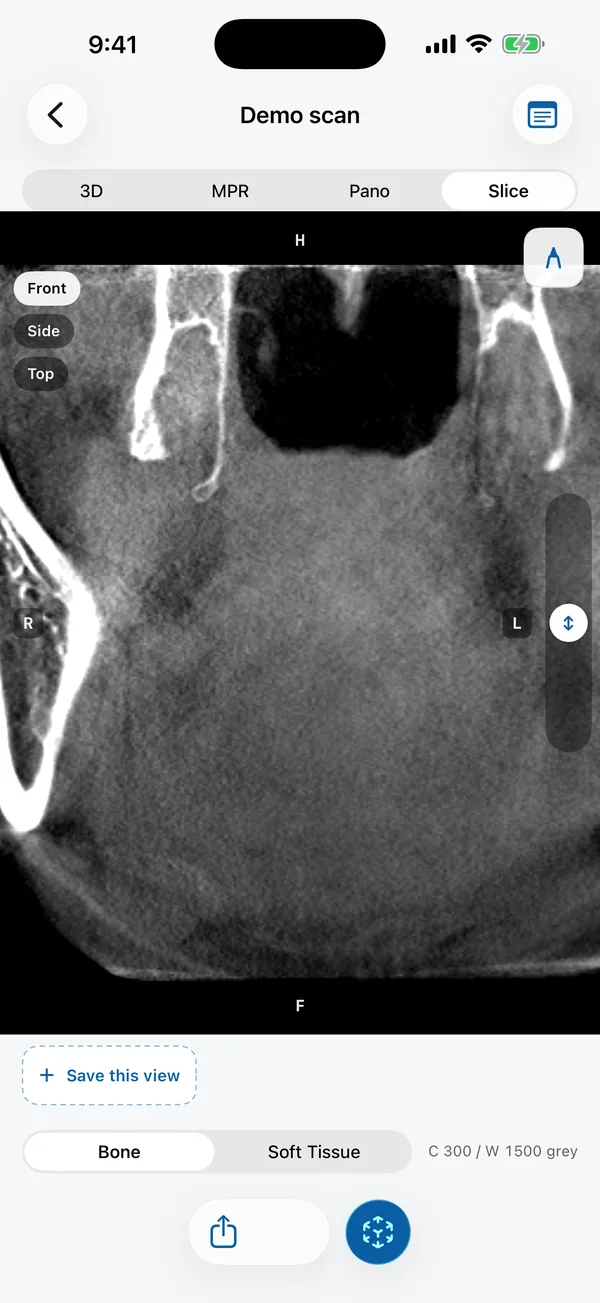
The Slice stage gives you one free plane you can tilt in any direction, with orientation chips and presets like Top. The same plane mathematics powers the AR mode: anchor the scan life-size on a table, and the cross-section follows your device as you move it through the anatomy.

  • Free oblique plane with orientation chips
  • AR slice-through on any ARKit iPhone or iPad
  • Education-only notice shown in the AR view
More on AR slice-through
Free oblique Slice view of the demo jaw with orientation chips

AR needs a real device, so it is not in the simulator recordings.

Measure

Measure in millimetres, read angles in degrees

Tap two points and read a length calibrated from the scan's own spacing. Tap three and read an angle. No ROI statistics and no density numbers, because a learner should not be reading pseudo-density off a CBCT.

More on measurements
Cases

Cases that teach

Slice to a structure, draw a mark, save it as a moment with a caption, then replay the moments like slides. Share a case over AirDrop with its moments and notes, batch-import a whole folder of them, or export a PDF summary of the marked views.

More on teaching cases
The How this view works explainer card over the axial pane

Every view has a plain-language explainer card.

Three planes, one point. Try it here.

This is the real demo scan that ships inside the app. Drag in any pane and the other two follow the crosshair, exactly as they do in JawAtlas.

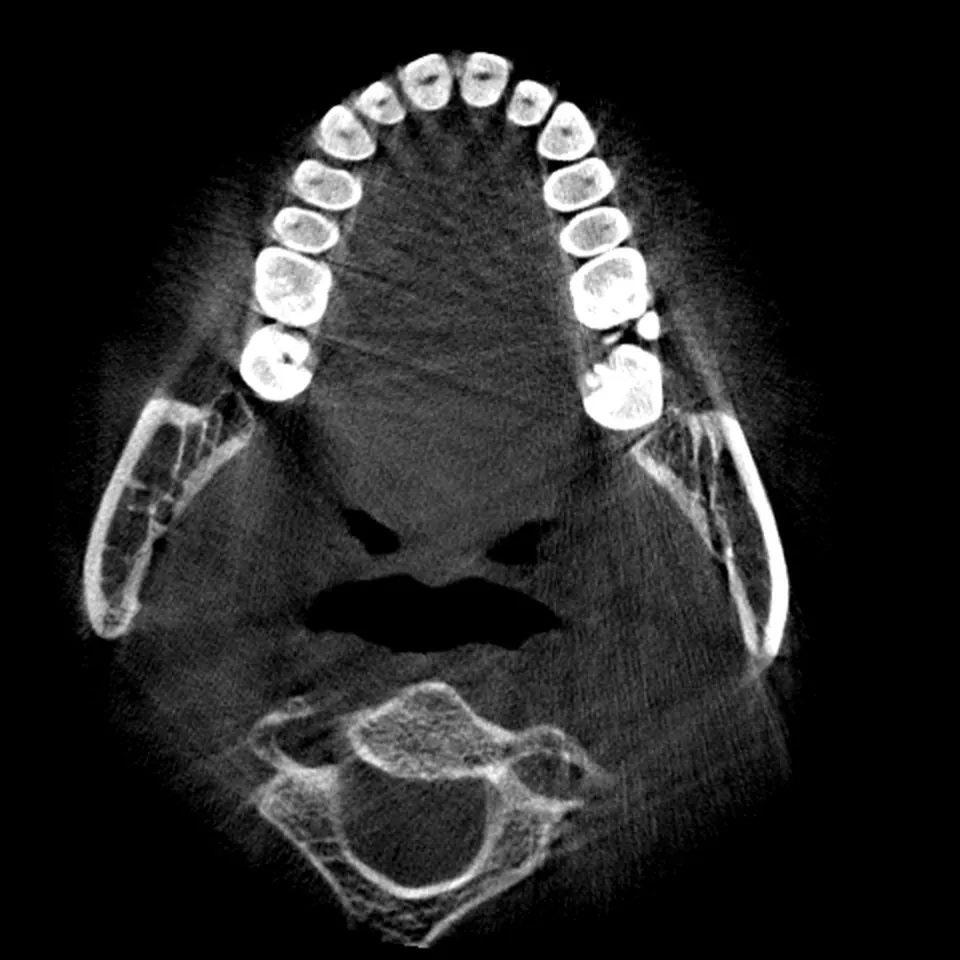
Axial, seen from below

Coronal, from the front

Sagittal, from the side

Why the patient's left is on your right

Same slice, two windows

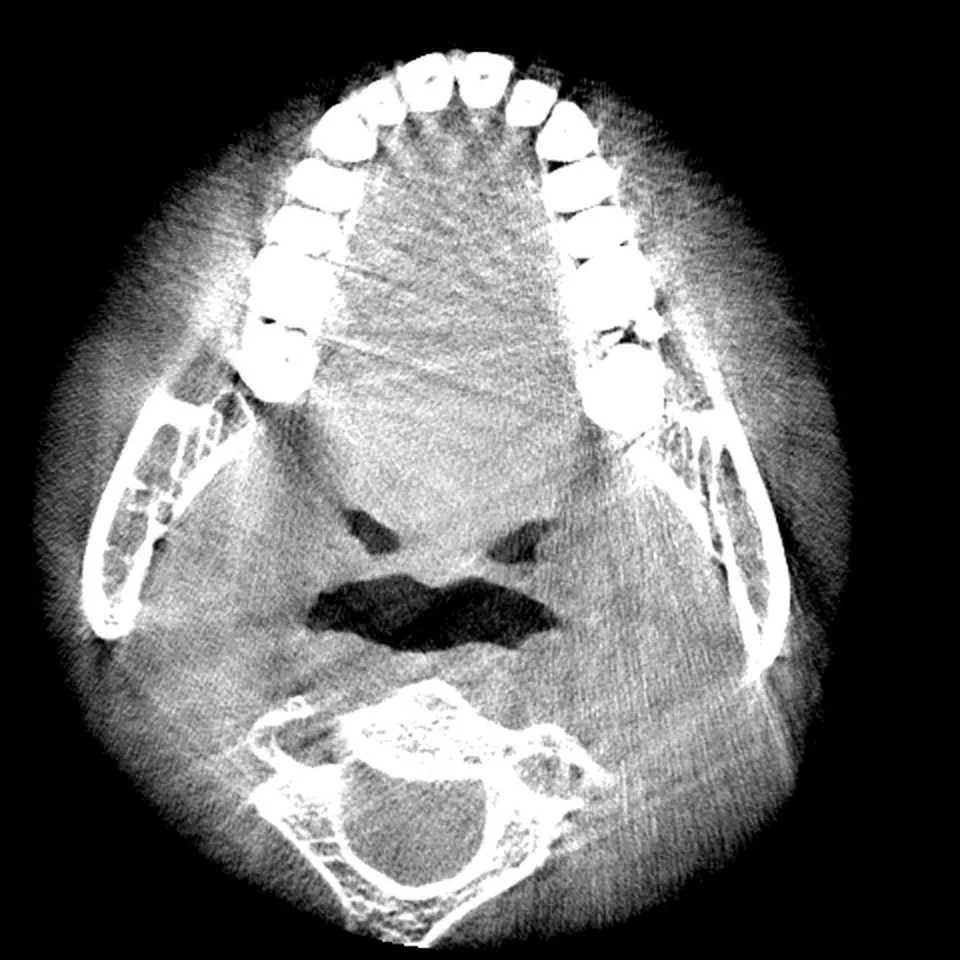
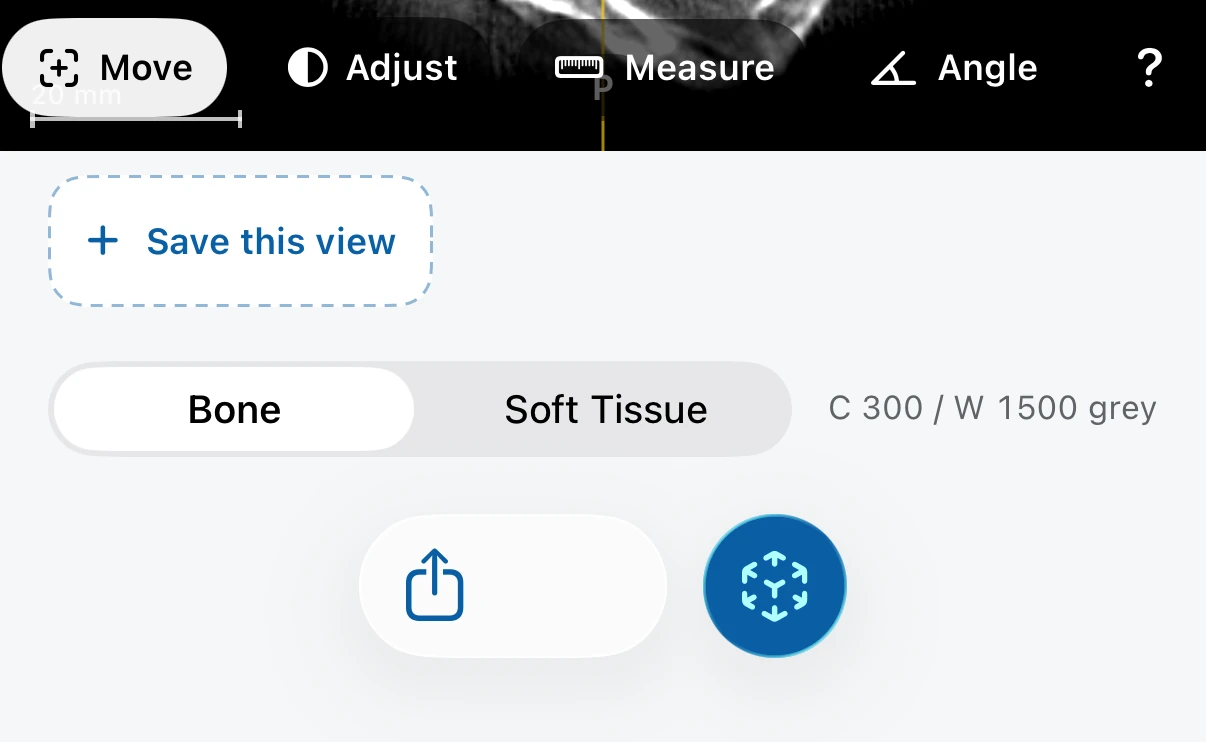
Window and level decide which grey values are shown as black, white and the shades between. Drag the bar to compare the Bone and Soft Tissue presets on one axial slice. In the app you adjust both continuously with one finger, and the readout always says grey values, because CBCT intensities are not calibrated Hounsfield units.

Window, level and grey values, explained

Soft Tissue, C -100 / W 1200 greyBone, C 300 / W 1500 grey

Private by construction

There is no server to trust because there is no networking code in the app at all, and an audit script fails the build if any appears. The DICOM importer reads a whitelist of technical tags only, so patient identifiers never reach storage.

How the privacy design works  ·  Privacy policy

  • No accounts, no analytics, no ads. Nothing to sign up for, nothing phoning home.
  • Identifiers stripped at import. Names, IDs and dates in a DICOM file are never written to disk.
  • Optional Face ID lock. Scan files sit under iOS data protection.
  • Education only. JawAtlas is not a medical device and must not be used for diagnosis or treatment planning.

Free on the App Store, with a demo scan inside

Download, open the Demo scan, and you are reading a real CBCT in under a minute. Works on iPhone and iPad with iOS 18 or newer.

Download on the App Store